Prices and payment
How does a shop sell tool activations from its portal?
How a shop sells tool activations and renewals from its portal: a register of tools by serial, a shop front, and payment by card, credits or on account.

In short
The shop keeps a register of its customers' tools by serial, with each expiry date, and opens a shop where a customer renews or adds to a tool. Customers pay by card or with credits, dealer portals pay on their account, and the shop delivers the code against the order.
A shop that supplies tools to its customers ends up selling the things that go with them: the yearly subscription, an extra protocol, a new vehicle family. For most shops this trade runs on photographs. A customer sends a picture of a serial number on a chat, asks what a renewal costs, waits for an answer, pays by transfer, and waits again for a code. The customer expected it that afternoon. It took two days, and the shop made the sale only because the customer had nowhere else to go.
This is how one such shop, a master with around sixty customer tools and four dealer portals under it, moved that trade onto its portal.
What is the activation shop, in one paragraph?
It is a register and a shop. The register holds your customers' tools by serial, with what is on each and when its subscription ends. The shop is where a customer buys for a tool: a renewal, or something to add. One switch, the tool register and activation shop, turns the whole thing on, and with it come the renewal reminders. The activation shop page describes every part.
How does the shop get its tools into the register?
The shop does it, not the customer. In Activation Shop, under Customer Tools, a member of staff registers tools one at a time, or presses Import and pastes the supplier's list. The portal shows what the import will do before anything is kept. The staff member reads it, names the import and confirms.
Customers do not register tools themselves, and that is on purpose: a serial is never claimed by the wrong account.
Our shop pasted its supplier's list on a Monday morning and had its sixty tools in by coffee. Then it did the part that is easy to skip. Under Bought before the shop, it wrote down what each customer had bought in earlier years, so that each customer's spend was true from the first day and not from the day the shop opened.
Be honest with yourself about what the register is. It records what is on a tool. It does not read the tool or the supplier's panel. The dates are the ones you entered or imported.
Who can buy, and what do they see?
That is one setting, who sees their own tools, with three answers. Customers: the people who sign in to the portal get My Tools, the shop front and the reminders. Dealers: the dealer portals under the master are told about their tools and may order. Or both. Our shop chose both.
Then the shop puts in its products and its price bands. The price a buyer sees on a card is the one the basket and the checkout give, read from those bands. A dealer sees the dealer price, and a walk-in customer sees the list. With no products, no price bands or no registered tools there is nothing to buy, and the shop front says so, which is a useful check before telling customers it is open.
How does a customer renew a subscription?
Without writing to anyone. The customer opens My Tools and sees each tool with its dates. A subscription that is close to its end is marked due soon. The customer opens the tool and presses Renew, or opens the shop front and picks from what can be bought for that tool. The line goes in the basket, and the customer places the order.
Most customers do not think about a subscription until something stops working, so the portal reminds them. The setting when renewal reminders go is a list of days counted from each tool's expiry: a negative number is days before, zero is the day itself, a positive number is days after. Each reminder goes once per expiry. When the customer renews, the expiry moves, and the reminders start again from the new date.
This changed the shop's year more than anything else. Renewals used to arrive in a panic, the week after a tool had stopped. Now most arrive a few weeks early, from a reminder, with no call.
How do buyers pay?
In the ways the shop allows, and there are three.
By card, with pay for activations by card switched on. The money is taken through the card provider the portal already uses for files, so there is nothing new to connect. The payments page covers each provider and its keys. While no card provider is set up there, the switch can be on and the option still does not show.
With credits, with pay for activations with credits switched on. It is the same balance the customer uses for files, offered at the checkout when they hold enough. Nothing is added for VAT on such an order, because the tax was charged when the credits were bought.
On account, for dealer portals only. That one has its own section below.
When a payment is confirmed, the invoice follows. The portal writes an invoice for every activation shop order paid on it, as it does for every credit purchase, with the shop's details, the next number in its series and the tax worked out for that customer. The customer finds it on My Invoices. The invoices and VAT page has the rules, and the setting is make invoices automatically.
| Buyer | Sees | Pays |
|---|---|---|
| A customer of the shop | My Tools and the shop front, at the list price or their own | By card or with credits |
| A dealer portal | The Activations tab, at its dealer price | On its account with the master |
| A dealer's own customer | The dealer's shop, at the dealer's prices | The dealer |
How does the code reach the customer?
A person at the shop delivers it. The order appears in Activation Orders. The shop orders from its supplier as it always did, pastes the supplier's code against the line, and the customer has it on their tool's page. A shop that keeps codes in stock can serve an order from stock in one press.
The portal does not fetch codes from a tool maker. This is worth saying clearly, because the name of another part of the portal suggests otherwise. Connecting your tools is about files: for a master on Alientech or AutoTuner, with its own account at the maker, the portal unlocks a file locked to a customer's tool for the tuner and locks the tuned file again for the same tool. That is the only decrypting the portal does, and only for such a master. It has nothing to do with issuing activations. The activation shop sells and records; the code still comes from your supplier or your stock.
Each morning, someone at our shop opens the overview. It lists what needs doing: orders still owed a code, subscriptions ending within a month, subscriptions that lapsed and were not renewed, a product that sells often with no stock left, a product with no price. They clear the orders first, then ring the customers on the running-out list. It takes a quarter of an hour, and it replaced a chat thread nobody could search.
How do dealer portals buy?
On their account. A dealer portal under a master already keeps a running account with the master for its files. With dealers put activations on account switched on, an activation a dealer buys goes on that same account and is settled the way everything else there is. The credit limit and the terms belong to the dealer's account, not to the shop.
From the dealer's side, it is a tab. In Your account, the dealer opens Activations, types the serial, picks the product and presses Pay. The dealer's trade price is shown beside the retail one. The master answers on the same page, and an accepted order is charged to the dealer's account, where it appears on the statement with everything else. The dealer account page shows the whole thing from the dealer's chair.
Two limits here. The tab sells only what the master put on sale to that dealer. And the code itself is issued and kept on the master's side; the dealer's page orders and shows the master's answer.
Can a dealer sell activations to its own customers?
Yes, with sell your master's tool activations switched on at the dealer's portal. The master's product list is copied into the dealer's own activation shop. Each product is priced once from the master's retail price, and after that the price is the dealer's to change. The shop then opens to the dealer's customers.
The dealer's customers pay the dealer. The dealer then places the matching order with the master, at its trade price, on its account, one line at a time, when it is ready. The code the master delivers goes to the customer who paid for it. When the master's list is refreshed, the dealer's own prices and its own wording on a product stay as the dealer set them.
Two of our shop's four dealers switched this on within a month. For the master it meant more orders with no more chats, because every order now arrives the same way, with a serial that is already in the register.
What does the shop learn that it did not know before?
Who its customers for tools really are. The overview ranks customers and dealer portals by what they spent on activations this quarter and this year. Where the shop agreed an annual figure with a customer, a bar shows how far through it they are: on pace, behind pace or reached. Around it are the money taken this month and month by month over the last twelve, what sells most, and the code stock.
For a trade that used to live in photographs and memory, that is a different footing. The shop knows which subscriptions end next month before the customers do, and it rings them first.
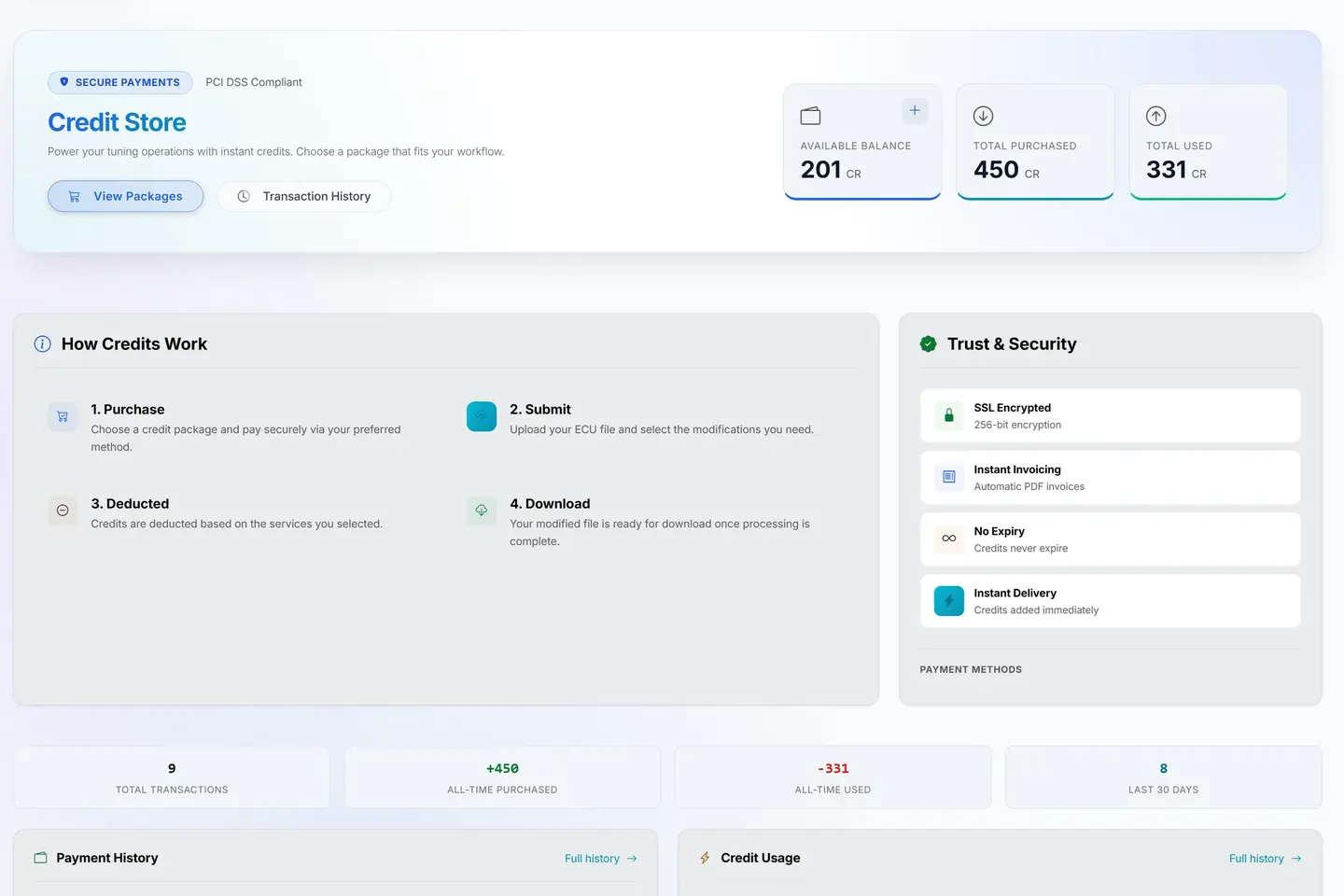
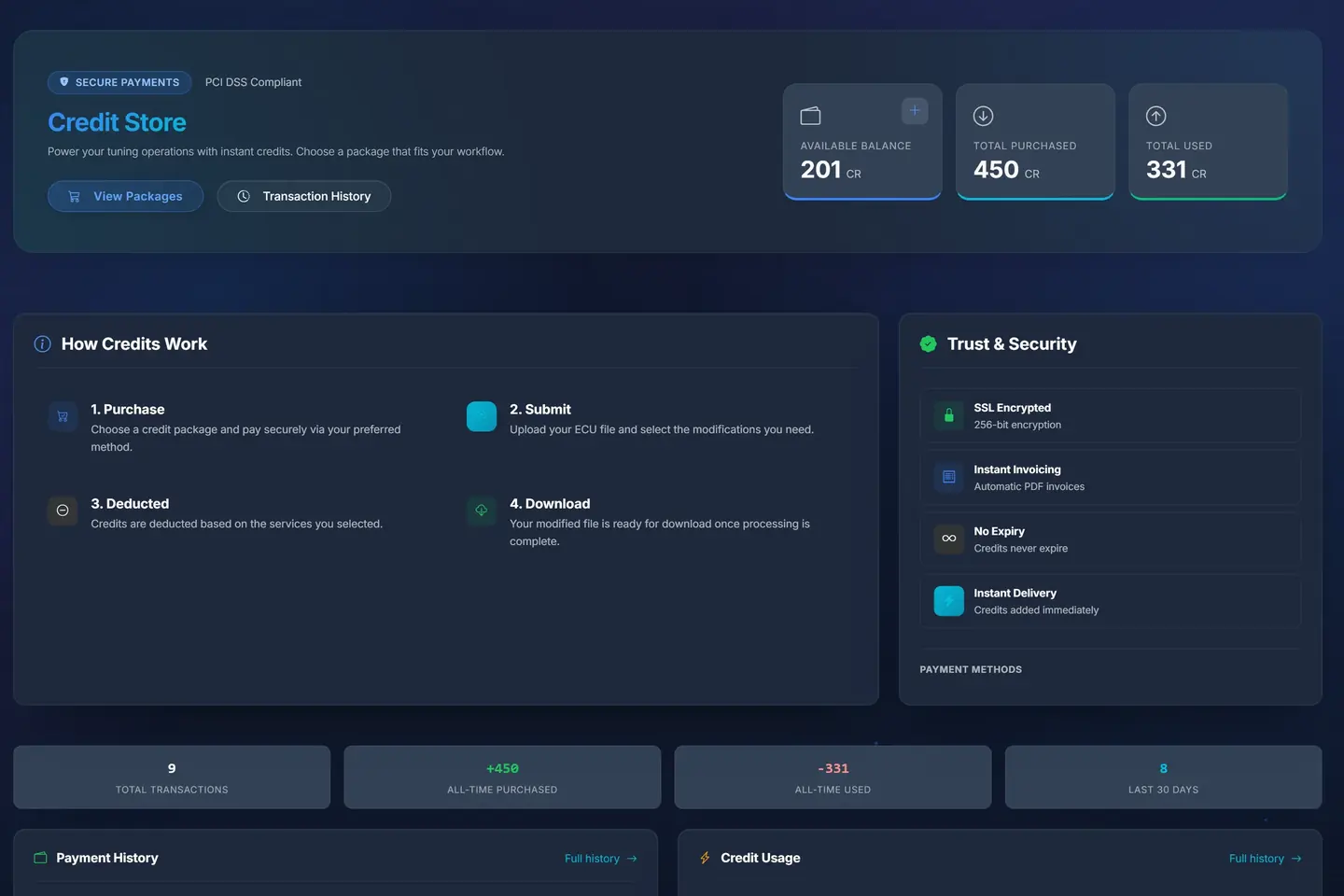
- 1Credits at a glanceWhat the customer has, has bought and has used, on their side of the portal.
- 2How credits workBuy a pack, send a file, the credits come off, download the tune.
- 3Invoiced at onceEvery top-up is invoiced in your name the moment it is paid.
A sample shop; your portal carries your name.
Questions
Can customers add their own tools to the register?
No. The shop registers tools, one at a time or by import, so a serial is never claimed by the wrong account.
Does the portal get the activation code from the tool maker?
No. A code is delivered from your stock or from the supplier's code you paste in, and on a dealer portal it comes from the master.
Can my own customers pay for an activation on account?
No. Customers pay by card or with credits. Paying on account is for dealer portals, on the account they already keep with you.
Is VAT added when a customer pays for an activation with credits?
No. The tax was charged when the credits were bought, so nothing is added on that order.
What happens to the reminders after a customer renews?
The renewal moves the tool's expiry, and the reminders start again from the new date.
Just need a file tuned? Our own engineers tune a read from any tool for €60 a file, every extra included. Our file service ›
Read next
-
 Which tuning tool should your customers buy?Customers will ask you which tool to buy. How to answer honestly: what to ask them, what really decides it, and why your portal should not care.
-
 Master or slave tool: which does a file service need?A master tool opens and edits files; a slave reads the car and sends the locked file to its master. What each means for your shop and your costs.
-
 Credits or card: how should customers pay for files?Credit packs bring money in early and suit regulars; card per job suits everyone else. How to run both without confusing anyone, and what to watch out for.
Name your portal. It is ready in under a minute.
Pro: today you pay this month in full, or only the days left if the 1st is less than 10 days away; then €60 on every 1st.
- Your name and logo
- Files from any tool
- Updates done for you
- Moving in free on paid plans
You can change your portal's address from your account at any time, or add another to the same portal, free. More are coming: tunerengine.co.uk, tunerengine.uk and tunerengine.info, then new short ones made for portals.