Guide
How does a repeat file go out at once?
When the same software comes back for the same work your team tuned before, the portal sends the file after checks, with a day to undo, from your own library.
In short
Every file your team finishes is kept in your own library, found by its software, hardware and ECU. When the same software comes back for the same work, the portal sends that file after checks, with a 24 hour undo, so the repeat job takes seconds.
Step by step
- Your library fills itselfEvery finished file is kept, searchable by software, hardware and ECU.
- Bring what you already haveYour folders, batch uploads and WinOLS projects.
- The same car comes backThe portal reads the software and the work asked for.
- It matches a file your team tunedSame software, same work: the file is sent after checks.
- A day to undoEvery match can be taken back within 24 hours.
Where it happens
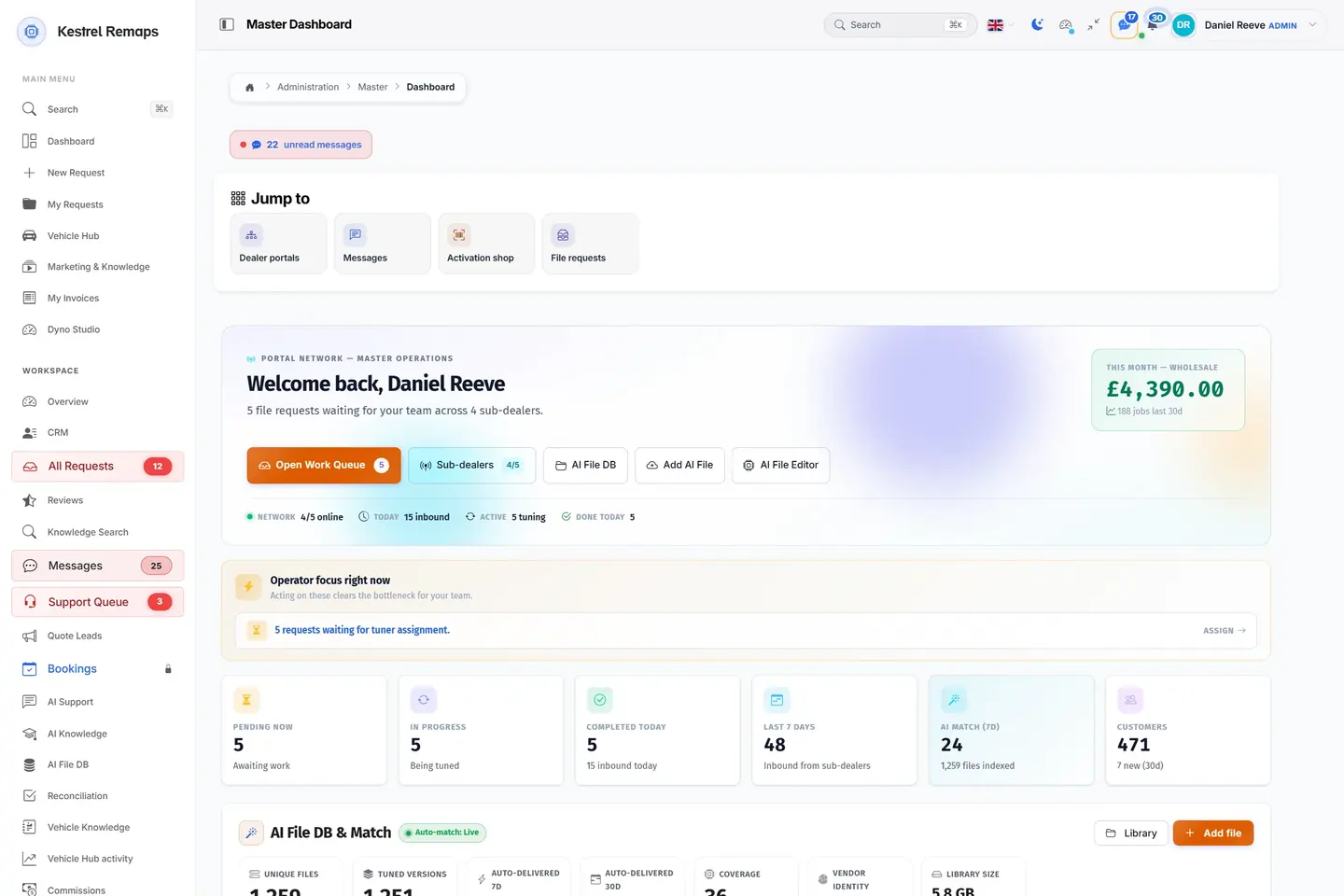
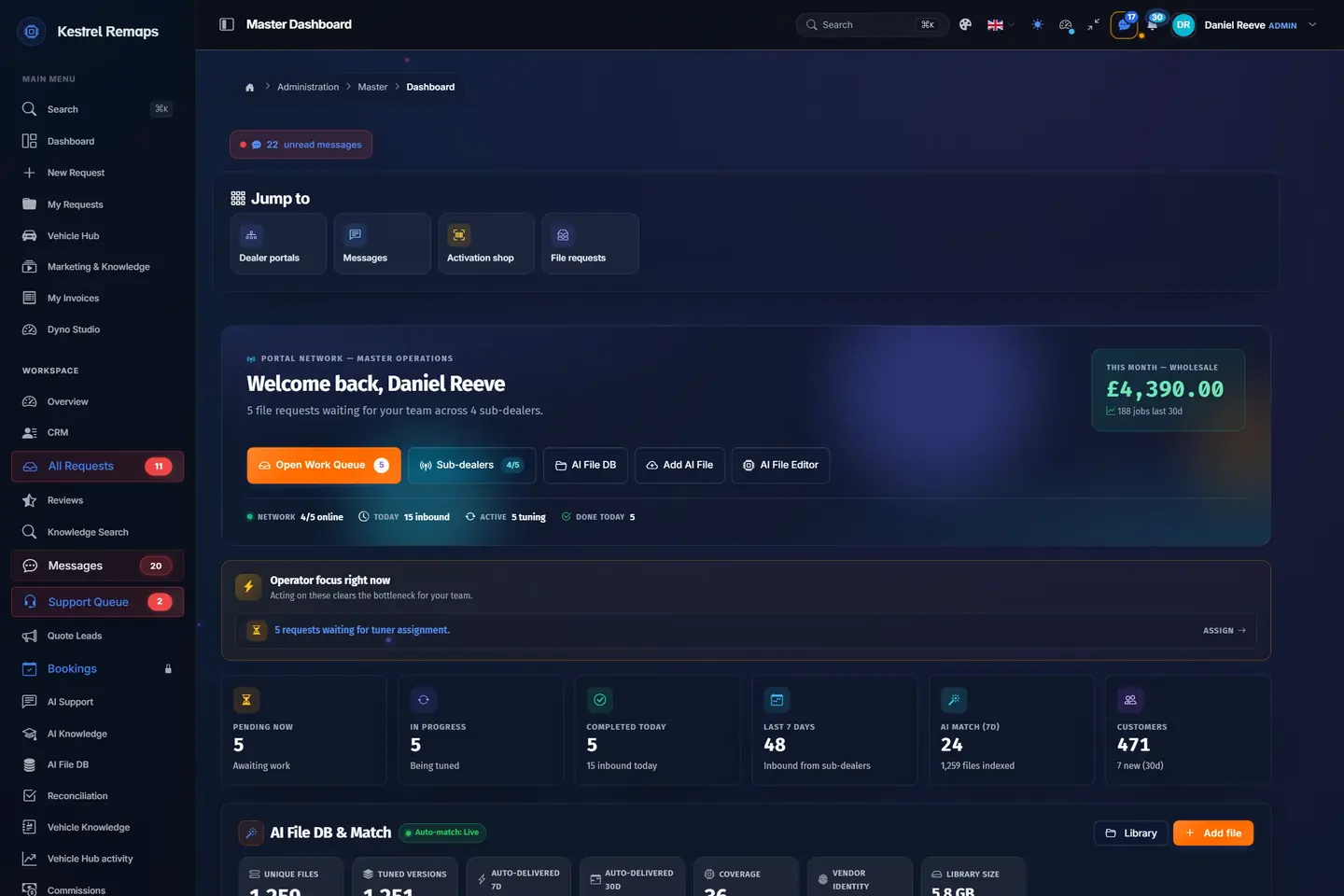
- 1Jump to the workDealer portals, messages, the activation shop and file requests, one click away.
- 2What the month has madeThis month's takings, live, before you open a single report.
- 3What needs you firstThe portal says what is waiting on a person, such as jobs with no tuner yet.
- 4The day in numbersPending, in progress, done today, the last seven days and your customers.
A sample shop; your portal carries your name.
What each side sees
- Your customer
- A car you tuned before back with them at once.
- Your tuners
- Their time on the files that are new.
Questions
Does it send files I did not tune?
No. It matches only files you or your team tuned before, for the same software and the same work.
Can I undo a match?
Yes, within 24 hours.
Can I bring my old files?
Yes: your folders, batch uploads and WinOLS projects.
Name your portal. It is ready in 30 seconds.
Pro: today you pay this month in full, or only the days left if the 1st is less than 10 days away; then £49.99 on every 1st.
- Your name, logo and colours
- KESS3 and AutoTuner files
- Daily backups and updates
- Moving from another portal, free