Guide
How does a customer send a new file request?
From the read to the tuned file: how your customer orders on one page, pays first, and is told when the file is ready, without a WhatsApp thread.
In short
Your customer signs in to your portal, uploads the read and the portal fills in the car, the ECU and its numbers from the file. They pick the tool and the work, see your price, pay if you ask for payment first, and are told by email, WhatsApp or Telegram when the tuned file is ready.
Step by step
- Sign in on your portalAt your portal's own address, with a password or their Google account; a second step when you require it.
- Upload the readA bench, boot or OBD read, or a locked Alientech or AutoTuner file. The portal reads the ECU, the hardware and software numbers and fills in the car.
- Pick the work and see the priceThe tool, the work and any extras on the same page, with your price for that ECU and vehicle type.
- Pay first, when you ask for itSwitch payment first on and the request goes through only once it is paid: by card for the job, or from their credits.
- Follow it and downloadThe job sorts itself into your queue; your customer is told when the tuned file is ready and downloads it with its certificate and dyno sheet.
Where it happens
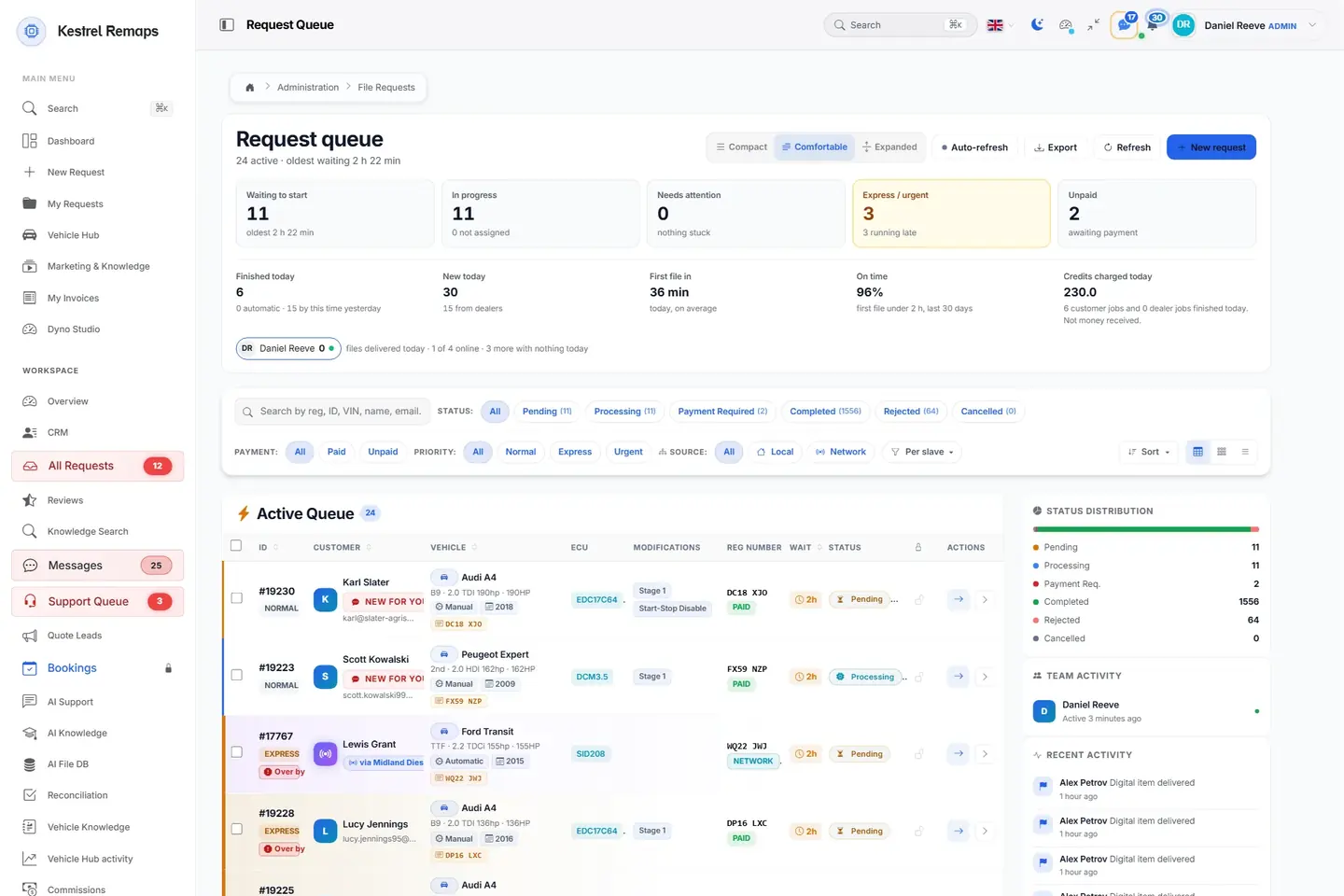
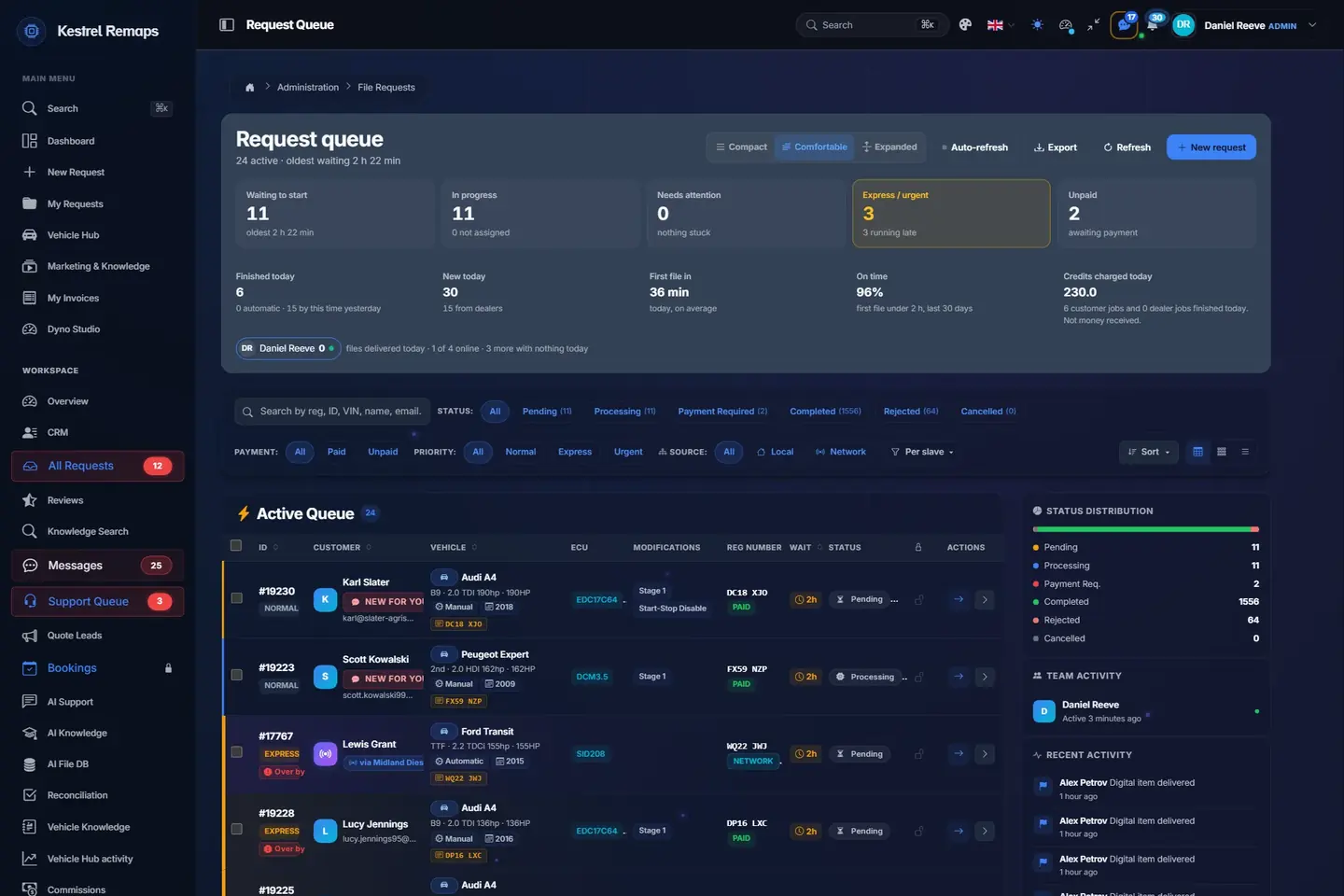
- 1Express and Urgent firstJobs paid for speed sit at the top with their turnaround target.
- 2Find any jobBy number plate, job number, VIN, name or email; filtered by status, payment and priority.
- 3The car, the ECU and the workEvery row carries what the portal read from the file and what was ordered.
- 4Where every job standsPending, processing, waiting for payment, done: counted as they move.
A sample shop; your portal carries your name.
What each side sees
- Your customer
- One page: the car, the tool, the work and the price, then a message when it is ready.
- Your team
- A job that arrives with the car and the ECU already read, paid when you asked for that.
Questions
Does the customer have to type the car in?
No. They upload the read; the portal finds the ECU, the hardware and software numbers and fills in the car.
Can I make customers pay before they send a file?
Yes. Switch payment first on and a request goes through only once it is paid, by card per job or from a credit wallet.
How is the customer told the file is ready?
By email, WhatsApp or Telegram, without you picking up the phone.
Which files can a customer send?
A bench, boot or OBD read, and Alientech or AutoTuner files, which are decrypted only if they are locked.
Name your portal. It is ready in 30 seconds.
Pro: today you pay this month in full, or only the days left if the 1st is less than 10 days away; then £49.99 on every 1st.
- Your name, logo and colours
- KESS3 and AutoTuner files
- Daily backups and updates
- Moving from another portal, free