File Match
What is File Match, and what does it do for a file service?
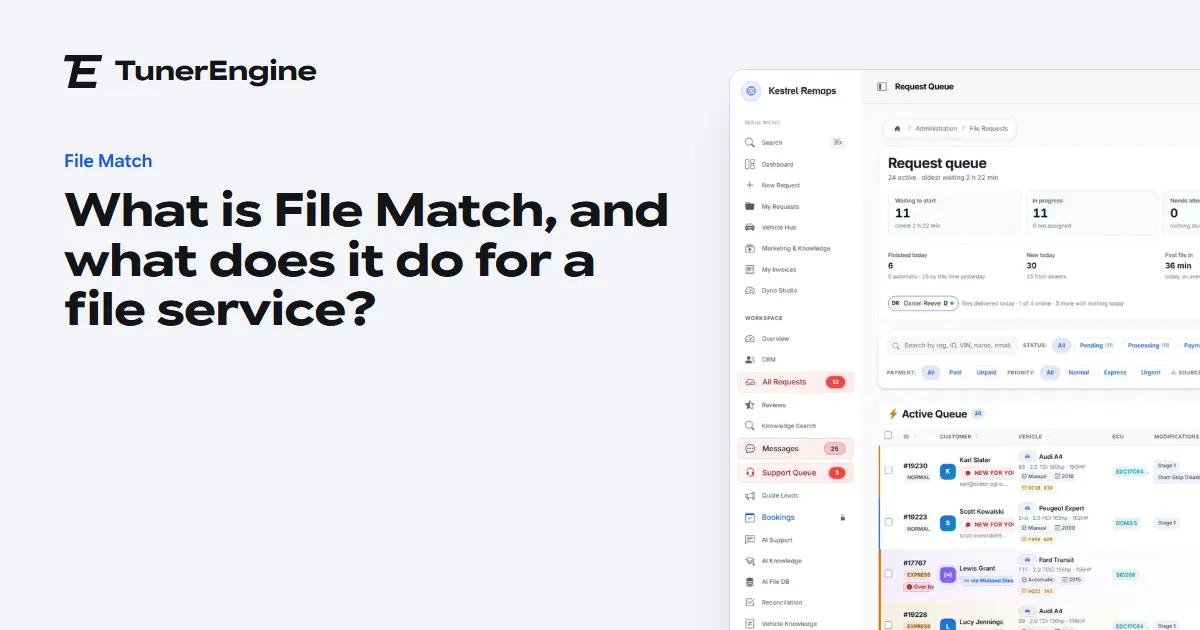
File Match sends a repeat tuning file by itself when the read and the work are the same as a job you already finished, and hands everything else to a tuner.
In short
File Match compares each new read with the files your team already tuned. If it is the very same file and the same work, the tuned file goes out after checks; anything less is offered to your tuner.
A file service does the same jobs again and again. The same car comes back after a software update went wrong. A dealer sends the read you tuned last month. Someone buys a second van from the same fleet. Your tuner opens the file, recognises it, finds the old work if they can, and sends it. That takes minutes they could spend on a new file, and at night it does not happen at all.
File Match takes that job. It has two halves, and it helps to keep them apart.
What is the difference between the library and File Match?
The library is where your finished work lives. Every original and every tuned file, kept together and found by software number, hardware number or ECU. On screen it is called AI File DB, and it comes with every package from Solo up. Start has neither the library nor File Match.
File Match is the part that acts on it. When a new job arrives it checks the library, and when the job is a true repeat it sends the file by itself. Master has it in the package; on every other package from Solo up it is a paid add-on. The price page has the figure.
Without the add-on you still have the library and the search, and your tuner still sees what was done last time. Nothing goes out unless a person sends it.
What happens when a repeat file comes in?
- Your customer uploads the read and says what work they want.
- The portal compares the file with the originals in your library, byte for byte.
- If it is the very same file, the portal looks for a tuned file that does the whole order.
- It runs its checks, from whether the tuned file is still intact to whether the customer's read has fully arrived.
- If the job is paid, or owes nothing, the tuned file goes on the job and your customer is told it is ready.
The full order of those decisions is in how File Match decides, and every reason it can stop is in when File Match holds a file back.
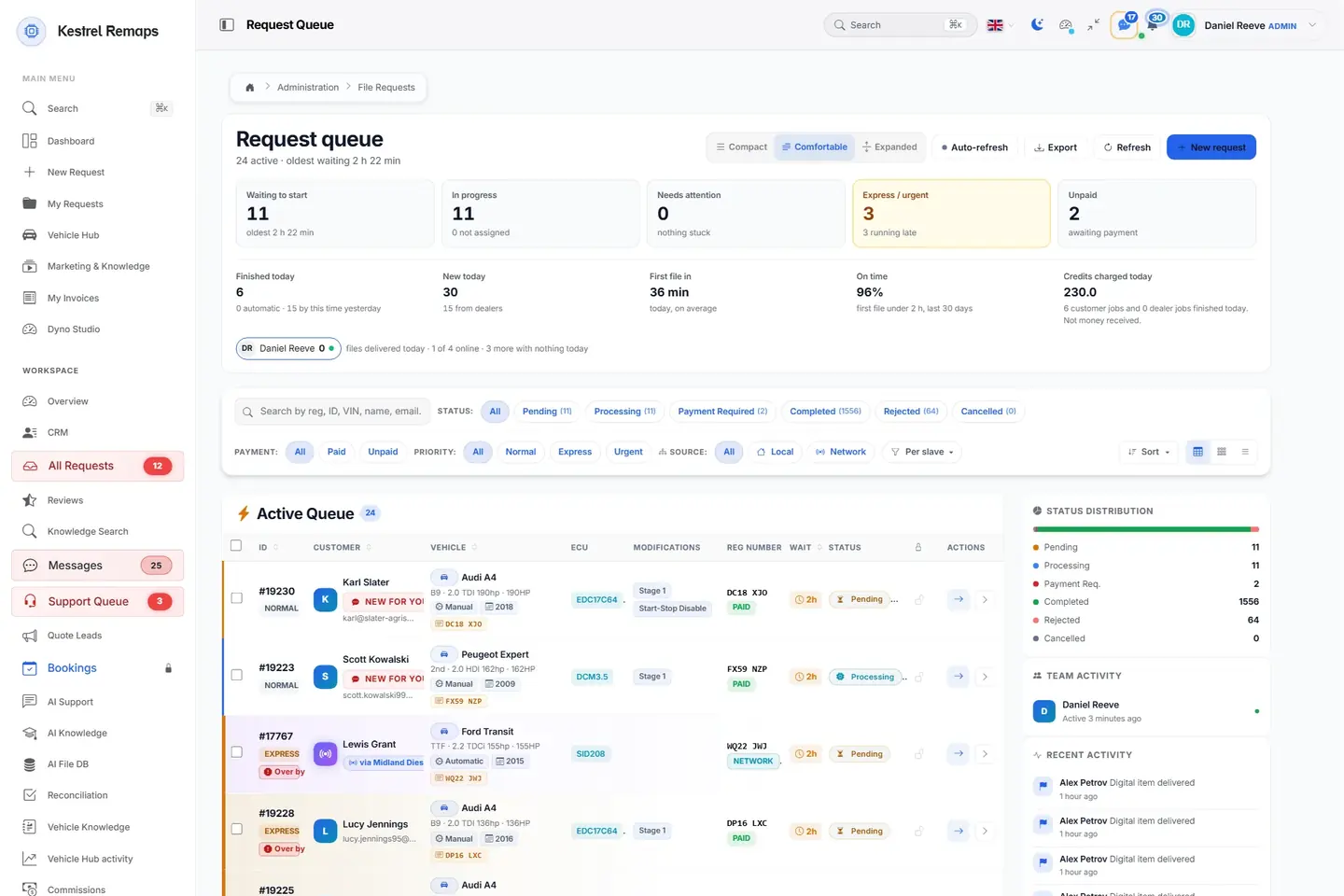
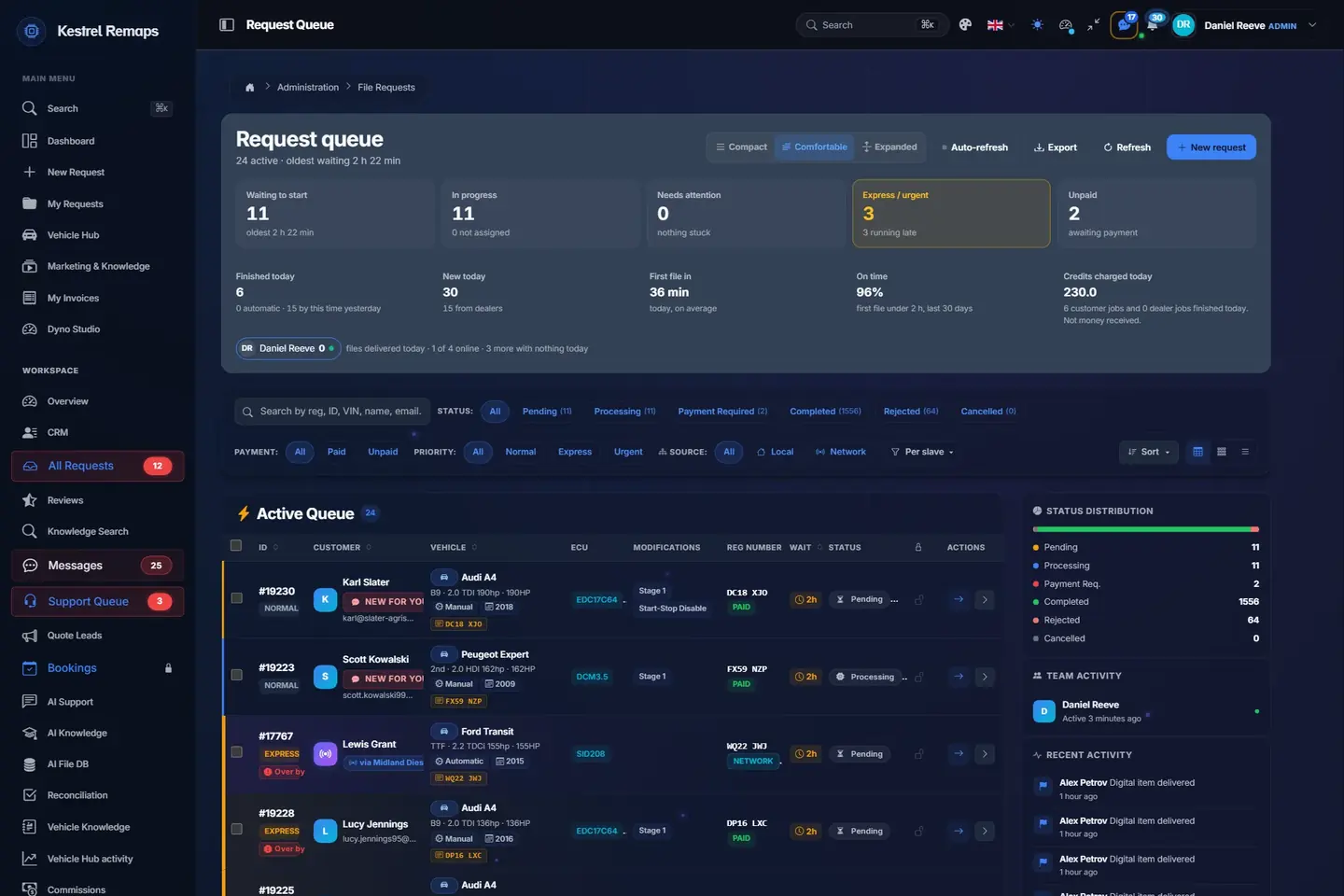
- 1Express and Urgent firstJobs paid for speed sit at the top with their turnaround target.
- 2Find any jobBy number plate, job number, VIN, name or email; filtered by status, payment and priority.
- 3The car, the ECU and the workEvery row carries what the portal read from the file and what was ordered.
- 4Where every job standsPending, processing, waiting for payment, done: counted as they move.
A sample shop; your portal carries your name.
What happens when it is not an exact repeat?
Nothing goes out. Your tuner opens the job and sees a panel called "Have we done this before?", with the closest work from your library: same software and hardware first, then same software, then the same engine. They can download it, compare it, or send it if it fits.
That is deliberate. Two cars with the same software number can differ in a few hundred bytes, as software and hardware numbers explains. A number tells a tuner where to look. It is not a reason to send a file to a car nobody has checked.
Is the match a guess?
No. The match that sends a file is an exact comparison of the file, and the check on the work is a comparison of what was ordered with what the tuned file is recorded as doing. There is no judgement to get wrong, which is the point: a file going into an ECU should not depend on a guess.
What do I have to do to use it?
Three things, in this order.
- Bring your old files in, so there is something to match. If you keep WinOLS projects, they can be imported too.
- Make sure each tuned file says what work it does. A tuned file with no work named is offered to your tuner and never sent by itself.
- Switch File Match on in its settings, in Simulate first, so you can see what it would have sent before it sends anything. It only sends in Live.
Locked files have a few rules of their own, covered in File Match and locked slave files. If you want to know whether it is worth it for your shop, count your repeats first.
Questions
Does File Match send files I did not tune?
No. It only sends tuned files from your own library, which means work you or your team finished or imported.
Does the customer know a person did not open the job?
They are told their file is ready. The tuner who holds the job is told what went out.
Is the library part of File Match?
No. The library and its search come with every package from Solo up. File Match is what sends true repeats by itself.
Does a dealer portal keep its own library?
Not from jobs that go to its master. Those jobs, and the library that answers them, sit with the master.
Just need a file tuned? Our own engineers tune a read from any tool for £50 a file, every extra included. Our file service ›
Read next
-
 How does File Match decide what to send by itself?The order File Match checks a new job in, what each kind of match does, why only the very same file goes out alone, and how to test it safely in Simulate.
-
 How do you bring old tuning files into your library?A step by step guide to batch upload: which files it takes, how it pairs originals with tuned files, how it reads the car and the work, and what to check first.
-
 How many of your files are really repeats?Count your own repeat tuning files before you pay for automation: a simple way to find exact and near repeats in your folders, and what each number means.
Name your portal. It is ready in under a minute.
Pro: today you pay this month in full, or only the days left if the 1st is less than 10 days away; then £49.99 on every 1st.
- Your name and logo
- Files from any tool
- Updates done for you
- Moving from another portal, free