File Match
How do you bring old tuning files into your library?
A step by step guide to batch upload: which files it takes, how it pairs originals with tuned files, how it reads the car and the work, and what to check first.
In short
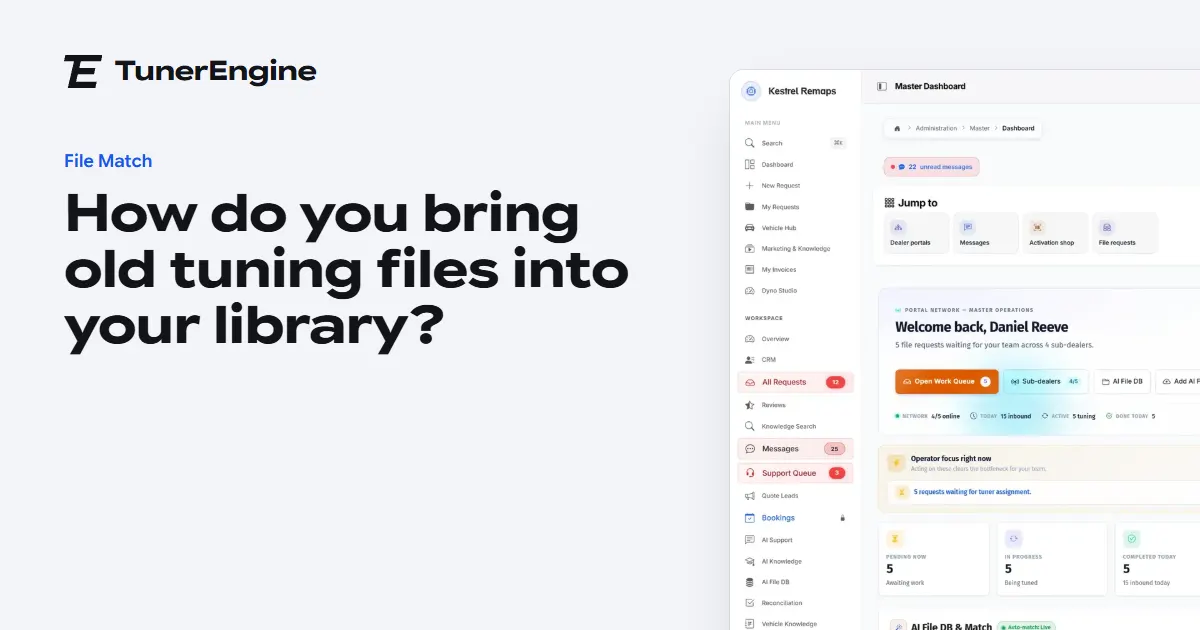
Open AI File DB, press Batch upload and drop your folders. The portal groups each original with its tuned files, reads the work from the file names, and asks you only about what it could not work out.
Your library is empty on the first day, and File Match has nothing to find in an empty library. The work you did before you moved is the most useful thing you own, so bringing it in is worth an afternoon. Here is how it works, step by step.
How should I prepare my folders?
You do not have to reorganise everything, but a little helps. The portal groups files by folder first, so one folder per car or per job gives the cleanest result. Subfolders with role names such as reads or tuned are understood and ignored for grouping. If your files all sit in one folder, it groups by file name instead, ignoring the words that describe work.
Put the work in the file name if you can: stage1, stage2 and the names you use on your own price list. It reads those words against your portal's own list of work, not against the folder name. Extract any rar or 7z archives first, because they are refused with a message saying so.
What are the steps?
- Open AI File DB and press Batch upload.
- Drop your files or a whole folder on the page, or use Select files or Select folder.
- Your browser asks what is already in your library and sends only the rest, so running it twice does no harm. It sends loose files in lots of two hundred by itself.
- The first time you open the review, the portal has already grouped the files.
- If your folders are named after cars, use the folder to vehicle mapping. You can save a mapping you will use again.
- Go through the groups. Each says Ready or Needs review. Tick the work on each tuned file, press Use as original if it picked the wrong one, set the car and the ECU, or press Skip.
- Press Commit. The result tells you how many went in, how many were skipped, how many failed, and how many went in with no work named.
Which files does it take?
The screen lists bin, ori, dat, pak, sg, sgo, cas, org, mod, dim, kp and ecu, and also takes the file types of the common tools. WinOLS projects are taken too, and have their own post. Each file can be up to 50 MB. A file with no extension is refused in a batch.
How does it know which file is the original?
If one file in a group has an original word in its name, that is the original. If none does, it takes the first file with no work detected, and if there are several candidates it uses the first and flags the group for you. A tuned file identical to its original is dropped, since it does nothing.
What happens to duplicates?
They are safe. The same bytes inside a group collapse into one. If an original is already in your library, only its new tuned files are added, and its name and car stay as they were. If you already have a tuned file for that work on that original, the new one is not added. So check the tuned file you want to keep is the one already in.
What should I check before I rely on it?
Look at the count of files that went in with no work named. Those are kept and offered to your tuners, but they are never sent by themselves. Then read how many of your files are really repeats, which tells you whether the import did its job.
If you are moving from another portal, ask for your files as part of the move. See moving portal.
Questions
Can I stop and come back to an import?
Yes. An upload session stays open while you work on it, and files already sent are not sent again.
Does an import change my tuned files?
No. Files are stored as they came. An original already in your library keeps its name and car.
Can I import a file with no tuned version yet?
Yes. Add it as an original only and tune it later. It will still be found when the same read comes in.
Just need a file tuned? Our own engineers tune a read from any tool for £50 a file, every extra included. Our file service ›
Read next
-
 What is File Match, and what does it do for a file service?File Match sends a repeat tuning file by itself when the read and the work are the same as a job you already finished, and hands everything else to a tuner.
-
 How do you import WinOLS projects into a file library?What the portal reads from a WinOLS project file, how versions become tuned files, why some projects are refused, and what to tick by hand after the import.
-
 Why must every tuned file say what work it does?A tuned file with no work named is never sent by itself. How the portal reads work from file names, what happens to a file with none, and how to fix old files.
Name your portal. It is ready in under a minute.
Pro: today you pay this month in full, or only the days left if the 1st is less than 10 days away; then £49.99 on every 1st.
- Your name and logo
- Files from any tool
- Updates done for you
- Moving from another portal, free