Running the shop
Who should see what in a file service?
Owners, tuners, technicians and the office need different things. How to set up roles so that people see their work, and not every customer's money and files.
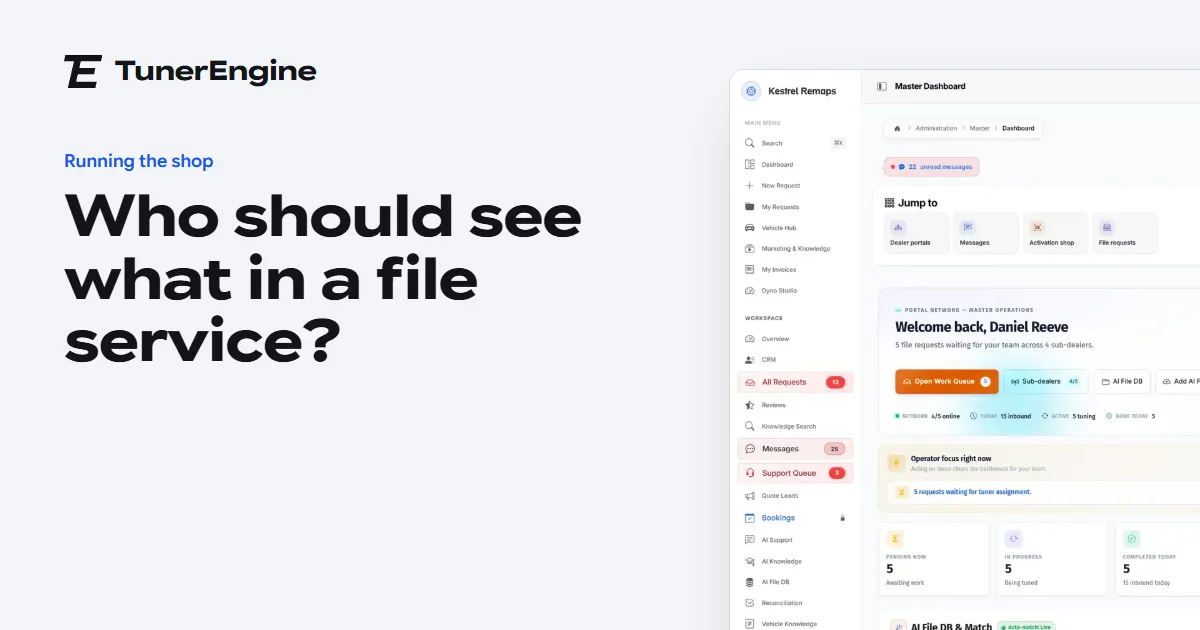
In short
Give each person only what their job needs: tuners see the work, the office sees money and customers, technicians see their jobs, and only owners see everything. Ask for a second step at sign-in, because a tuner's password opens your whole library.
When a file service is one person, nobody needs roles. Then a second tuner starts, or someone comes in to do the books, and suddenly a shared password gives everyone everything: the library, the margins, the customer list.
Why not let everyone see everything?
Three reasons. Your library and your customer list are the business, and they are what someone would take if they left. A tuner does not need to see what each customer pays, and awkward conversations follow when they do. And a screen with everything on it is simply slower to use, so people miss what matters.
What does each role really need?
| Role | Sees | Does not need |
|---|---|---|
| Owner | Everything, including money and settings | Nothing is hidden |
| Admin or office | Customers, invoices, prices | Editing tuned files |
| Tuner | Queue, jobs, files, maps | Margins and other tuners' pay |
| Technician | Bookings and jobs given to them | The file library |
| Customer | Their own jobs, credits and invoices | Anyone else's anything |
How do you stop people treading on each other?
With a queue that shows who has what. Your tuners open what is next, a job someone has taken shows as theirs, and work paid for speed stays on top. That is covered in how a tuner gets a job.
A tuner's password opens your whole library. Treat it that way.
How do you keep accounts safe?
Everyone has their own sign-in, with no sharing. Ask for a second step: a code from an app or by email, which you can make compulsory for staff, customers or both. When someone leaves, close their account that day. Bot protection on sign-in, sign-up and forgotten password stops the automated attempts, and there is more about this on the security page.
How do you add people as you grow?
One at a time, in the smallest role that lets them work. Moving someone up later is easy, but taking something away is awkward. Extra staff users can be added to any package with their own sign-in: admin or tuner, and technician from Pro.
What about dealers' staff?
A dealer running their own portal looks after their own team, and you decide what each dealer can see, sell and do, switch by switch. See how a dealer network works.
How do you handle someone leaving?
Have a short list ready: close the account, change any shared passwords, move their open jobs to someone else, and check who else was using anything of theirs. Because every job keeps its own file and conversation, the next person can pick up where they left off, and the customer may never notice.
Questions
Should tuners see customer prices?
Usually not. They need the work, and what each customer pays is rarely part of it.
Can I require a second step at sign-in?
Yes. It can be compulsory for staff, customers or both.
How many people can I have?
Each package includes staff sign-ins, and you can add more to any package.
Just need a file tuned? Our own engineers tune a read from any tool for £50 a file, every extra included. Our file service ›
Read next
-
 What does it take to run an ECU file service?The tools, the skills, the systems and the habits a file service really needs, in the order you will need them, from people who run one.
-
 How fast should a file service answer?What customers expect, what you can honestly promise, and how to run Express and Urgent jobs so that the work paid for speed is never the work that is late.
-
 Why should a file service keep every tuned file?Your past work is your most valuable asset. How a searchable file library makes tuners faster, keeps quality even, and helps answer questions years later.
Name your portal. It is ready in under a minute.
Pro: today you pay this month in full, or only the days left if the 1st is less than 10 days away; then £49.99 on every 1st.
- Your name and logo
- Files from any tool
- Updates done for you
- Moving from another portal, free