Tools and files
What is a slave file, and who can open it?
A slave file is a read locked to one master. What it looks like when it reaches you, who can open it, and what a portal can and cannot do with it.
In short
A slave file is a read from a slave tool, locked so that only the master it is tied to can open it. Nobody else can tune it, and that includes other file services and any portal without that master's account.
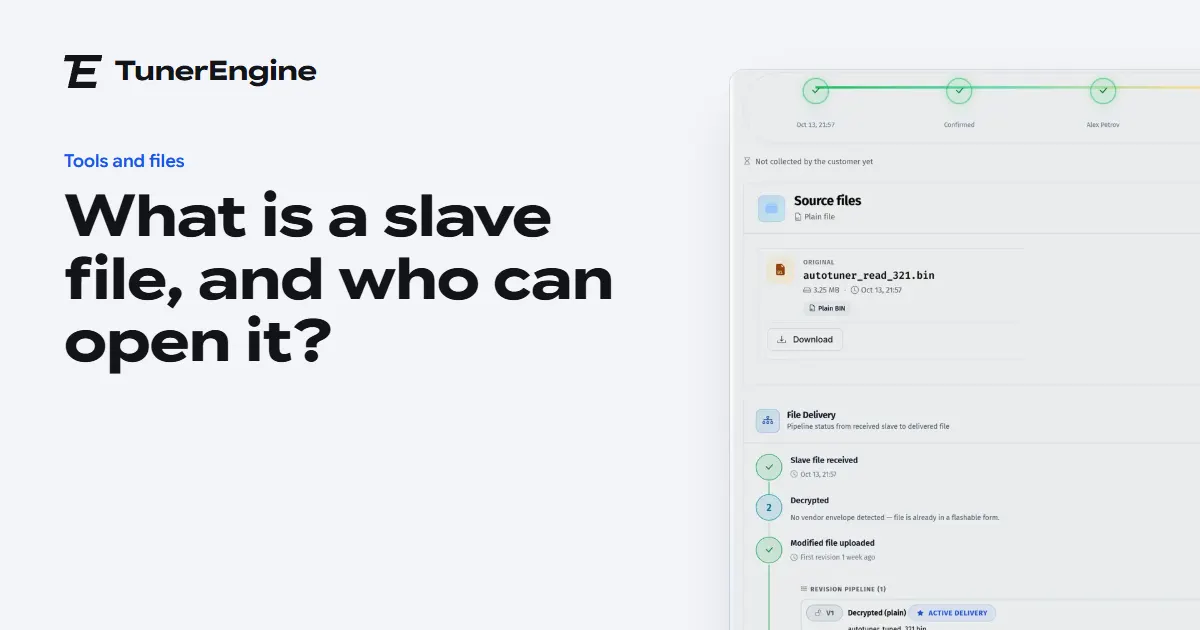
If you have ever been sent a file you could not open, this is usually why. The file looks normal, it has a name and a size, and your editor refuses it or shows you nonsense. It was read by a slave tool, and it is locked to somebody else.
Why are slave files locked?
The lock is how the tool makers make the master and slave model work. A slave costs less than a master, and in return its files go to one place. The lock also protects the master: a slave they have trained and supported cannot quietly send its work elsewhere.
So a locked file is not damaged or wrong. It is just addressed to someone.
Who can open a slave file?
Only its master, using the maker's own software or the maker's service. There are three situations a file service runs into:
| The file | Who can open it |
|---|---|
| A plain read, from a master tool or a bench programmer | Anyone with an editor |
| A locked file from your own slave | You, as its master |
| A locked file from someone else's slave | Only that other master |
The third row causes most of the trouble. A customer who changes file service may still be holding a slave tied to their old one. Their files will not open for you, however good your tools are.
What should you ask before accepting a file?
Two questions save a lot of time. Which tool did you read it with? And is that tool a slave, and whose? The tool is already on the order page, so it stays on the job. If the file is tied to someone else, say so straight away and suggest they ask their master about moving the slave.
A locked file is not a broken file. It is a file addressed to someone else.
What can a portal do with a locked file?
It depends on the maker. A portal can accept and store any file, because a file is only bytes until someone opens it. Opening it is another matter.
On a TunerEngine portal, if you are a master on Alientech or AutoTuner, you connect your own account in your portal's settings and their locked files open on the job. The tuned file then goes back encrypted for the customer's tool. It all runs on your account, never on ours. Files from other makers are kept as they came, and your tuner opens them in that maker's tool and uploads the result. The guide on locked files walks through it step by step.
What happens to the file afterwards?
Every job keeps the read as it came, the decrypted copy when there is one, the tuned file, and the encrypted copy when one was made. That matters when a customer comes back with a question months later, because you can see exactly what you received and exactly what you sent.
Questions
Can another file service open my slave's files?
No. Only the master a slave is tied to can open its files.
Can a locked file be tuned without decrypting it?
No. A tuner has to be able to read the maps, so it has to be opened first.
Does a master need a special account to decrypt in a portal?
Yes. You connect your own Alientech or AutoTuner account. The portal never uses ours for your files.
Just need a file tuned? Our own engineers tune a read from any tool for £50 a file, every extra included. Our file service ›
Read next
-
 Master or slave tool: which does a file service need?A master tool opens and edits files; a slave reads the car and sends the locked file to its master. What each means for your shop and your costs.
-
 What do the ECU file types mean?What the common ECU file extensions mean, which tool writes which, and which ones a file portal should accept. A plain reference for file services.
- How does an AutoTuner file reach your tuner?A portal for AutoTuner file services: customers upload a read, the ECU is read from the file, and a master decrypts locked files on their own account.
Name your portal. It is ready in under a minute.
Pro: today you pay this month in full, or only the days left if the 1st is less than 10 days away; then £49.99 on every 1st.
- Your name and logo
- Files from any tool
- Updates done for you
- Moving from another portal, free