Running the shop
What does the Messages app put on your team's phones?
Your portal's Messages as an app on your team's phones: every conversation, your team, who is on your website now, and a ring until someone answers.

In short
The Messages app puts your portal's conversations on each phone of your team, under your shop's name and icon. It rings until somebody answers a waiting customer, and it shows who is on your website and your portal right now, with a tap to write to them.
A customer writes while you are under a car. Another asks about a file at nine in the evening. A visitor has been reading your price page for ten minutes and has not said a word. None of that waits for you to sit at a desk any more.
Every TunerEngine portal gives its team an app for the phone: Messages, signed in to your portal, with your shop's name and your icon on the home screen. It is not a second inbox to keep up with. It is the same Messages your team uses at the desk, made for one hand and a small screen.
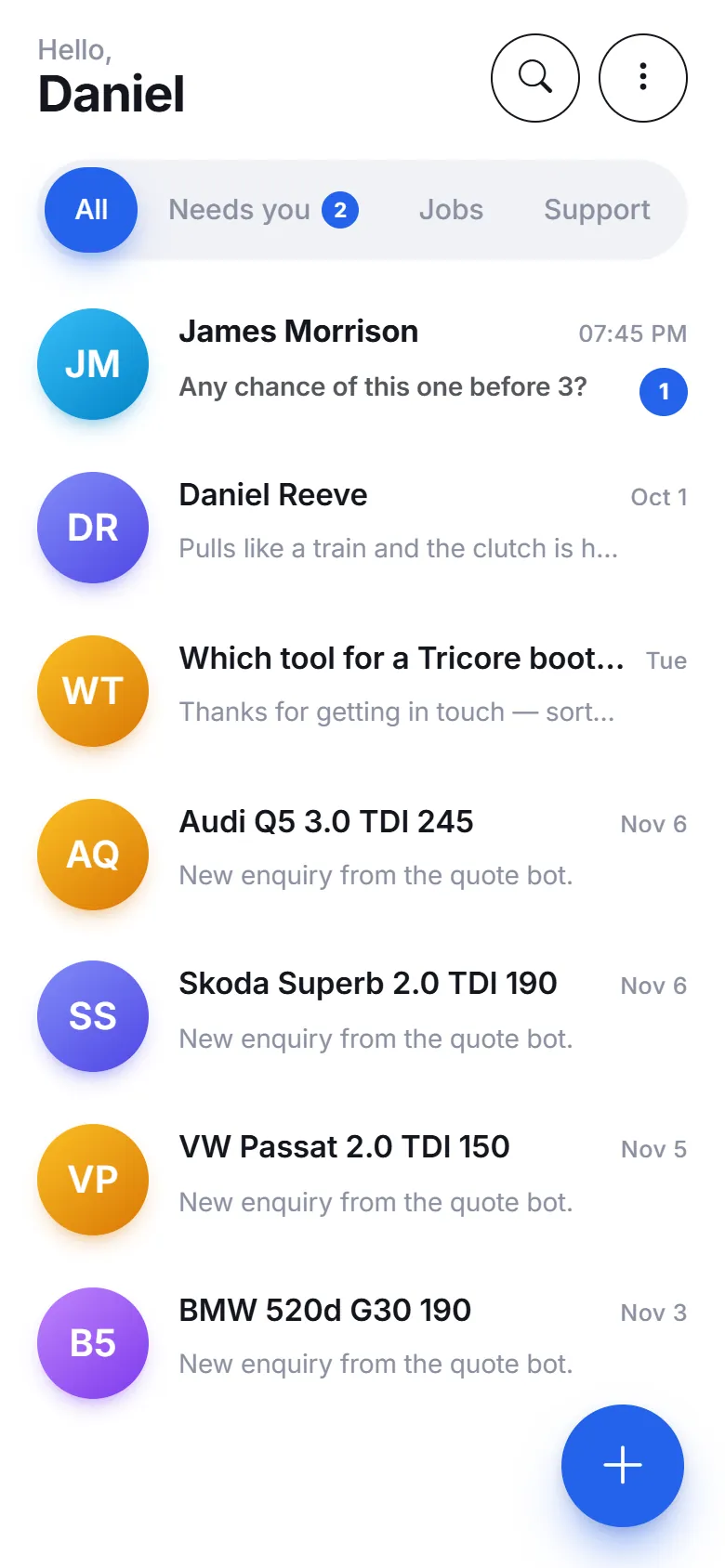
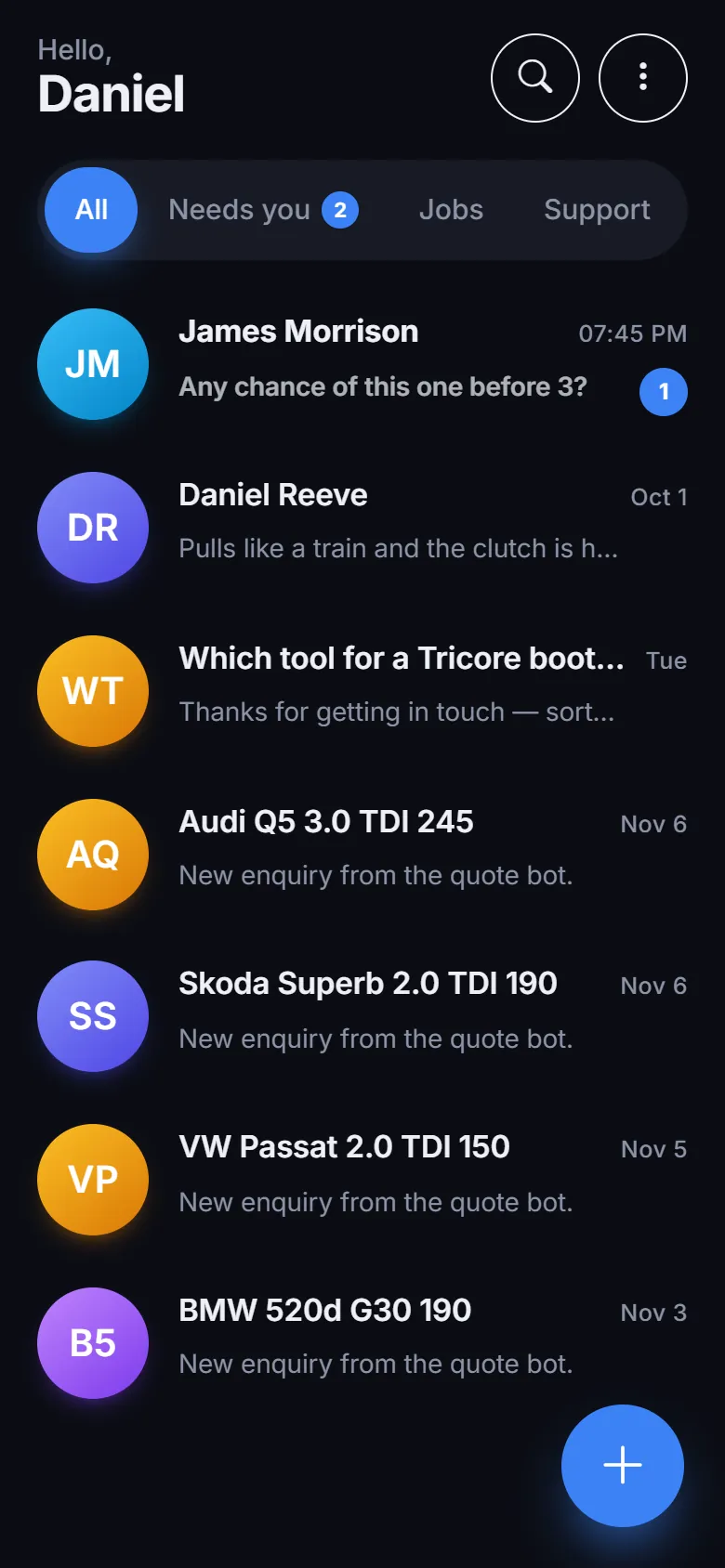
What is on the first screen?
Everything that waits on you, the newest at the top. Each row is one customer: their name, the last thing said, the time, and a count in your colour when there is something you have not read. A search sits at the top, and beside it a filter for all conversations, the ones that need you, jobs or support.
Under the search, the people who are here now: your team signed in, your customers signed in, and the visitors on your website. Their faces sit in one row, with a green dot for the ones doing something this minute.
At the bottom sits one bar: Chats, Team, Live and Me, with your shop's own button in the middle. Light, dark, or as the phone is set.
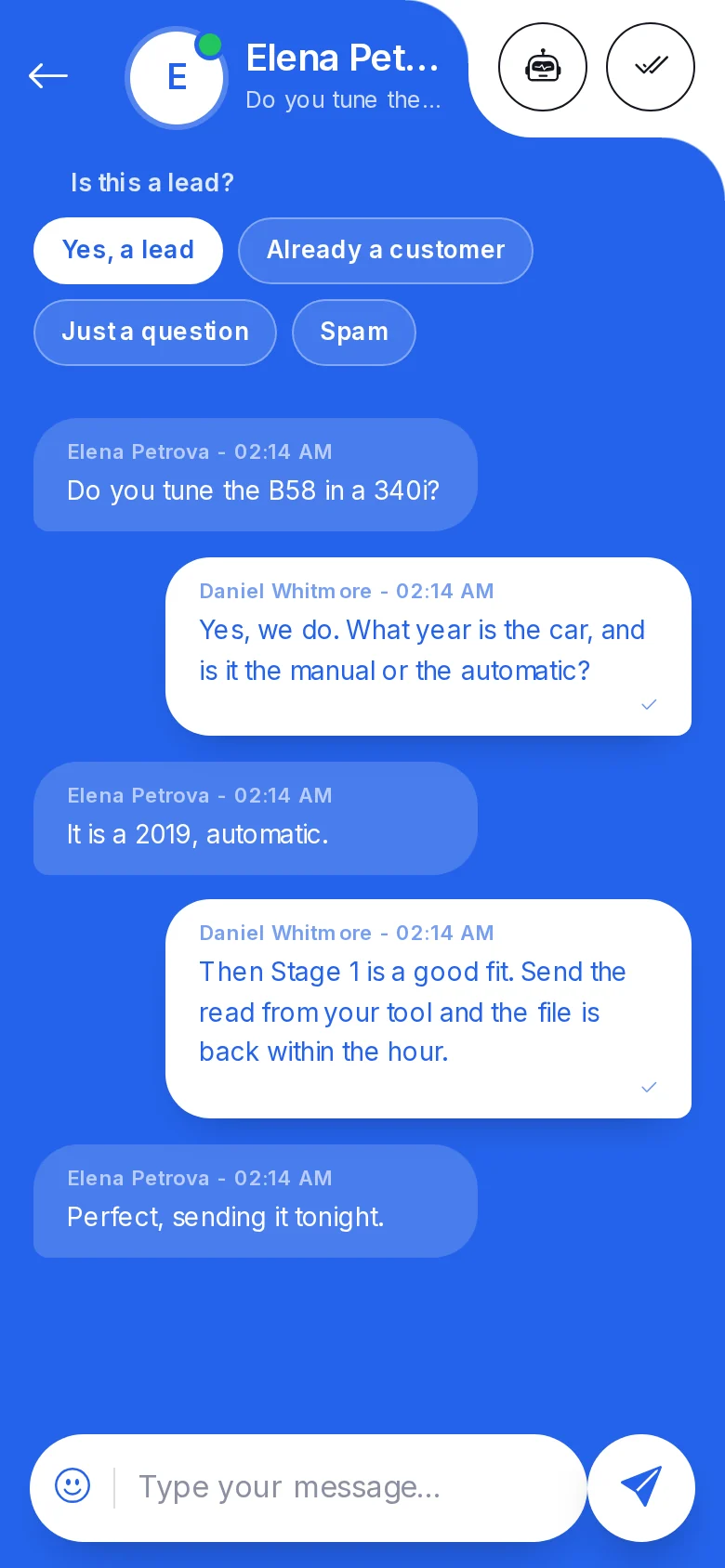
How does a conversation look?
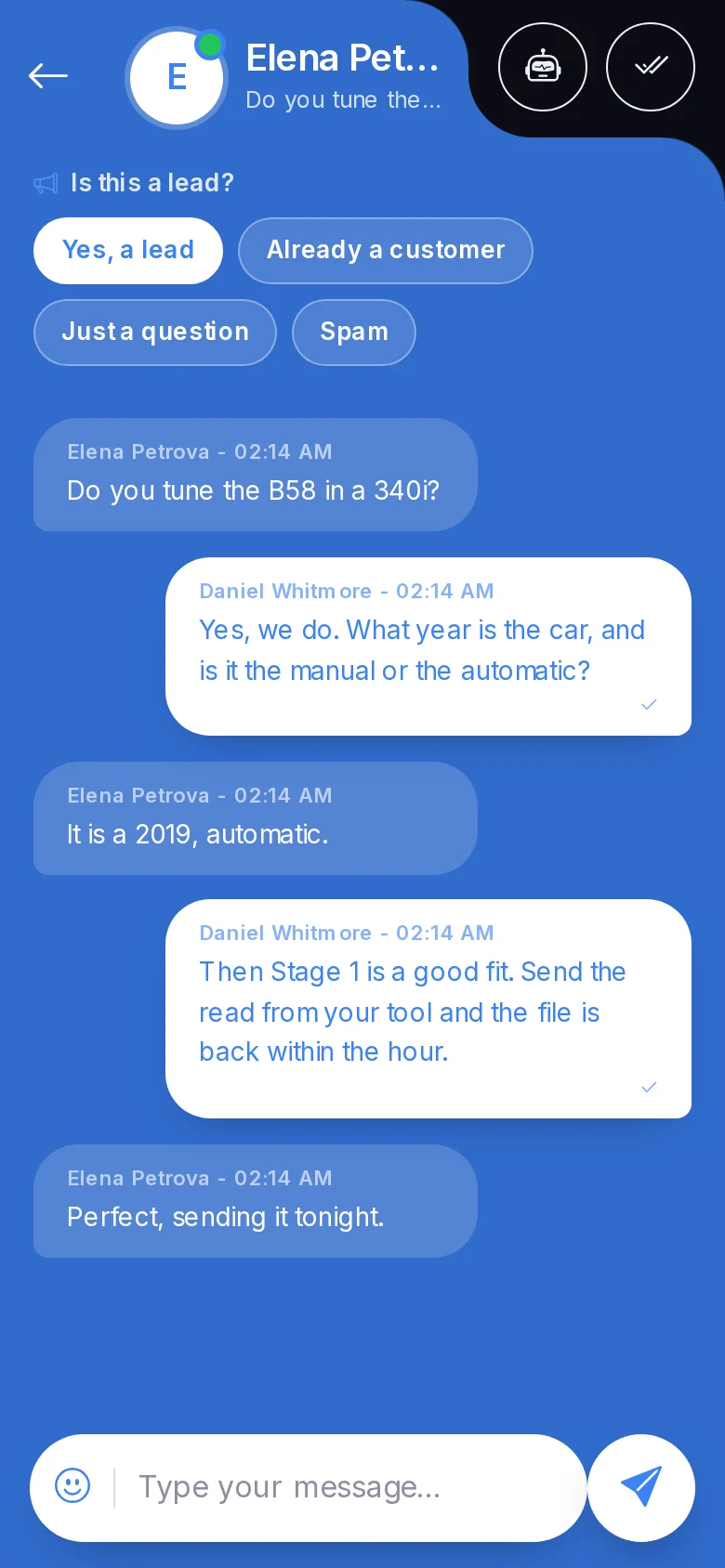
Like any chat on your phone. Your words on the right, the customer's on the left, ticks when they have read it, and the car and the job a tap away on the person's name. You can answer, take a conversation over from the assistant, hand it back, mark it done, or flag it, without opening a laptop. Swipe from the left edge, or press Back, and you are on the list again.
Can my team talk to each other in it?
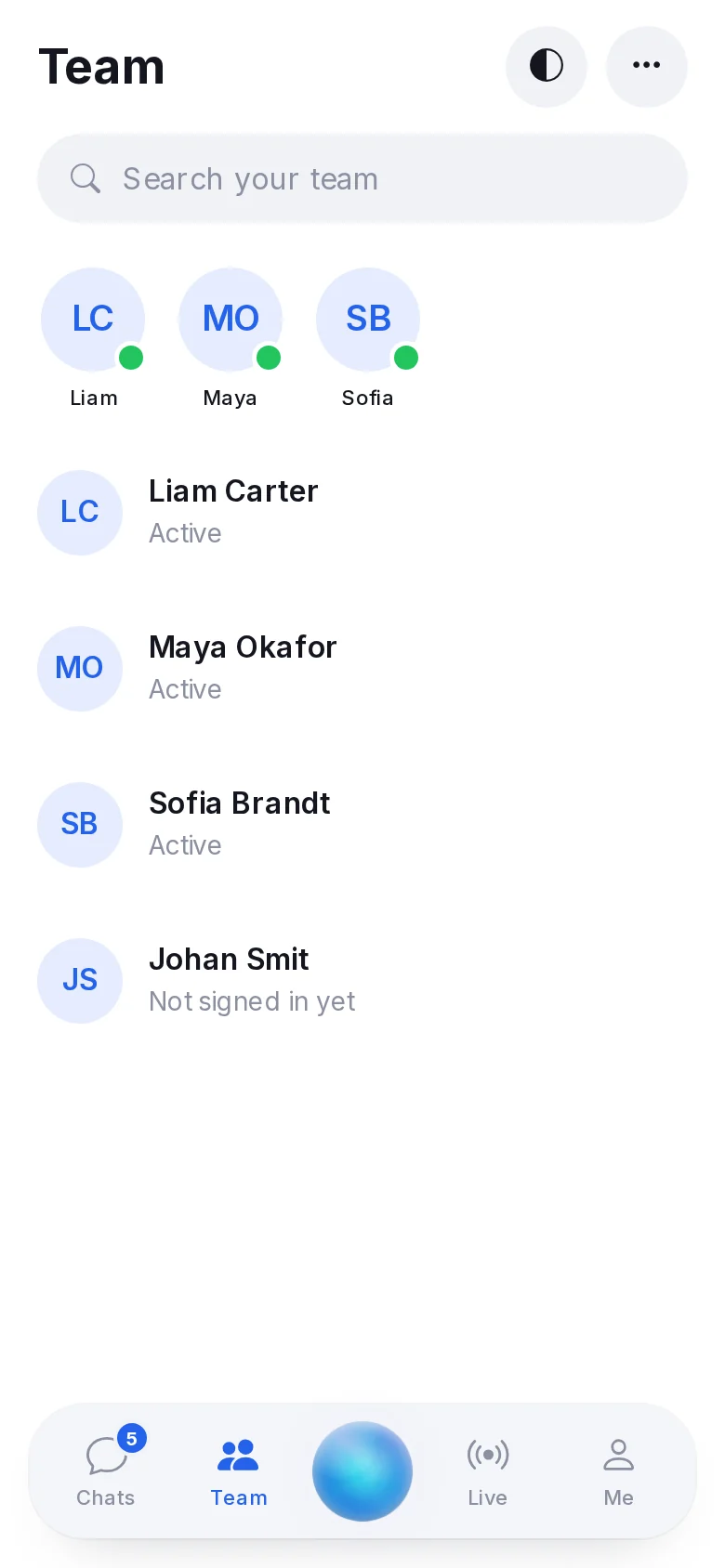
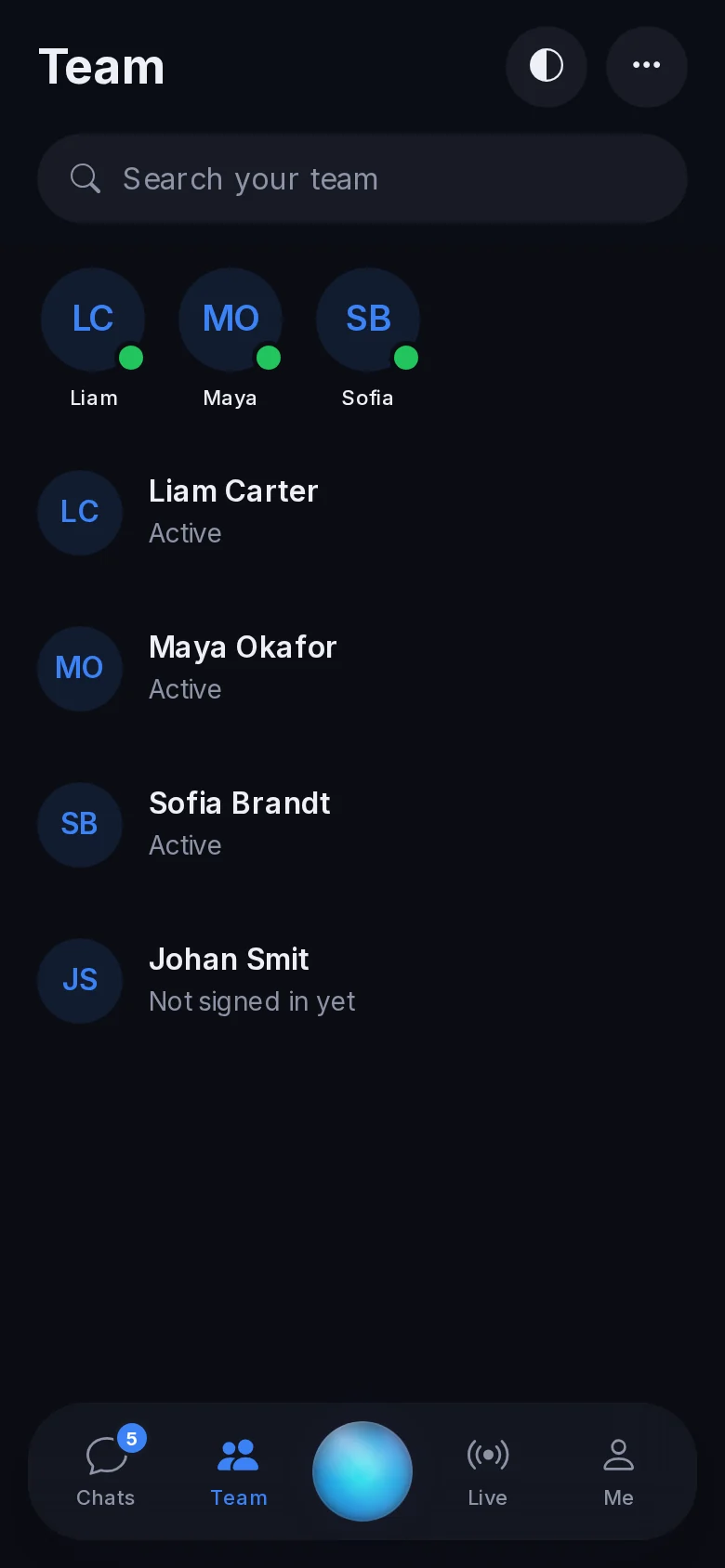
Yes. Team is a screen of its own: everyone on your team, who is here now, and the last thing each of you wrote. A tap opens a private conversation with that person, in the same screen you answer customers in. "Can you take the Golf?" goes to the tuner on the bench, not into a group chat, and the count of what you have not read sits on Team in the bar.
What is Live?
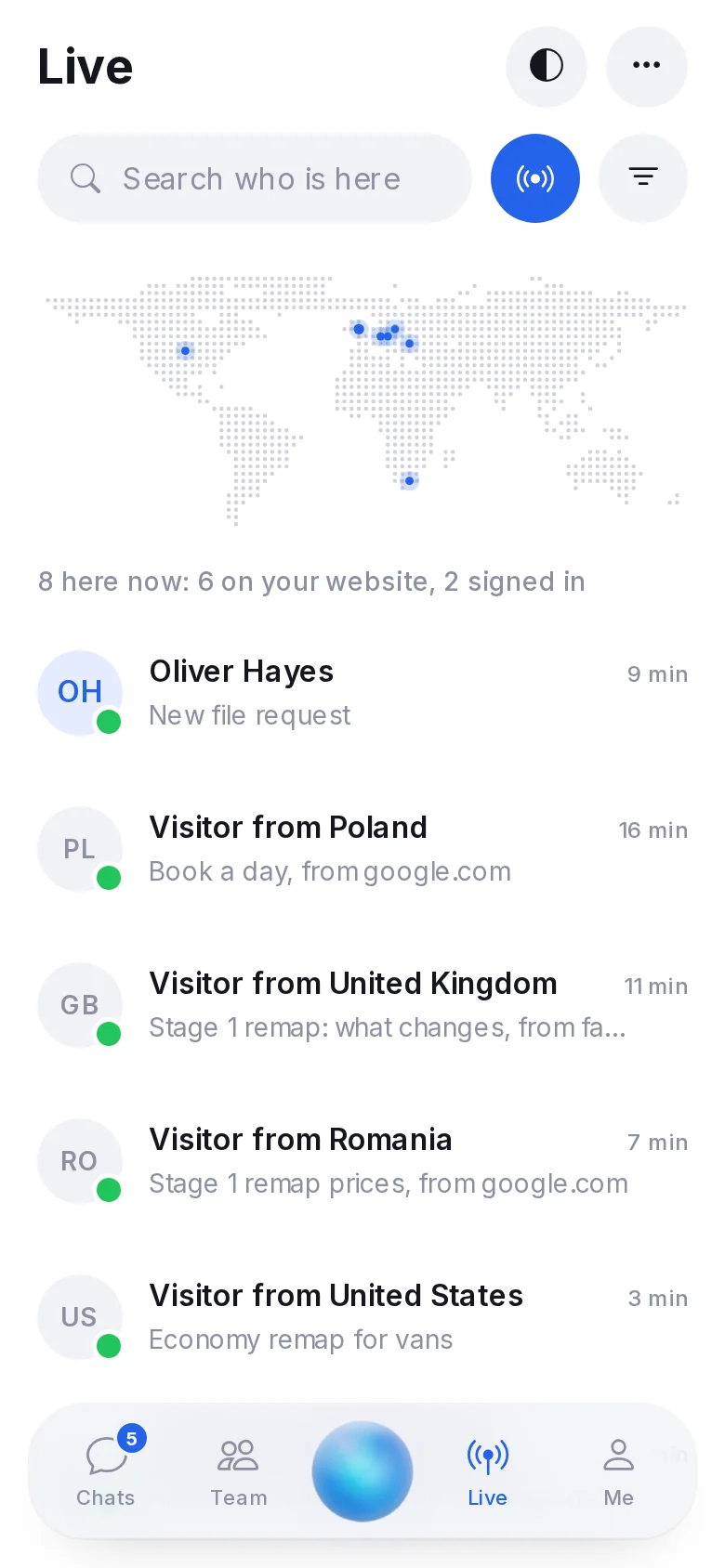
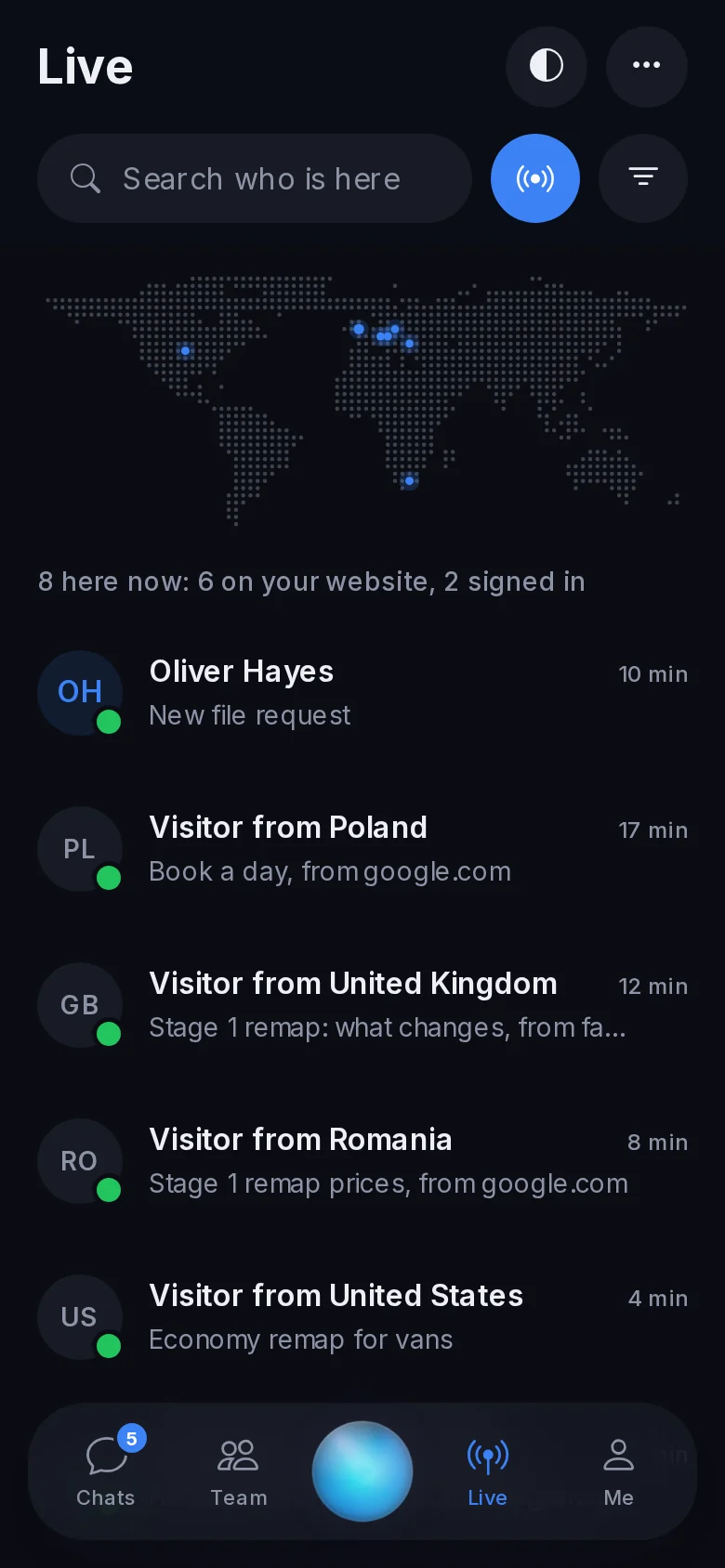
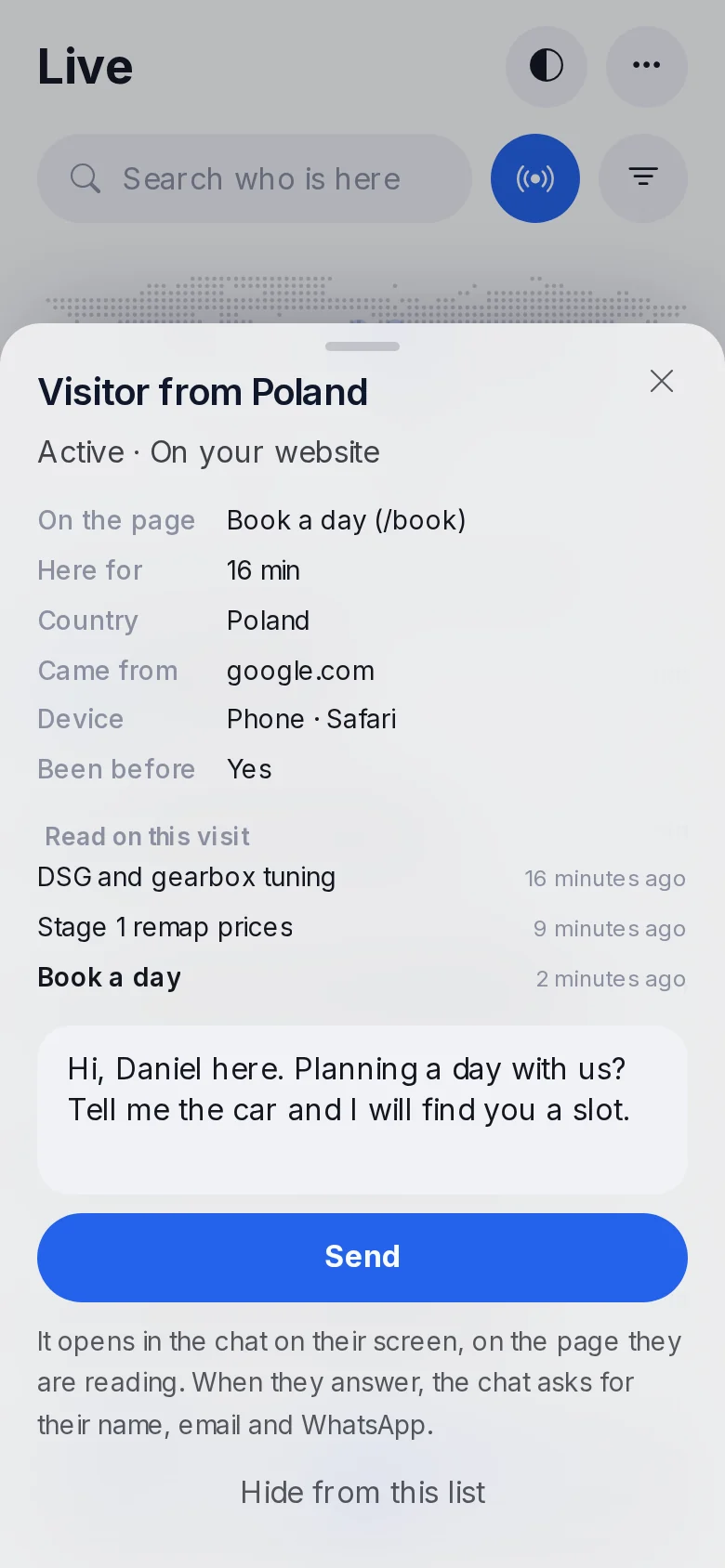
Live shows who is on your website and your portal right now, on a map of the world drawn in dots, with a light on each country somebody is in. Under the map, everyone, one row each: a signed-in customer by name, a stranger as a visitor from their country, the page they are reading, how long they have been here and where they came from.
You choose who is shown and in what order: everyone or only the active, only the website or only the portal, people who have been before, or those not yet in a chat; active first, just arrived, longest here, most pages read, or by country. Someone who left a tab open can be hidden from the list for the day.
A visitor is shown only after they agreed to your website's cookies, and a place is never finer than a country.
Can I write to someone who is on my website?
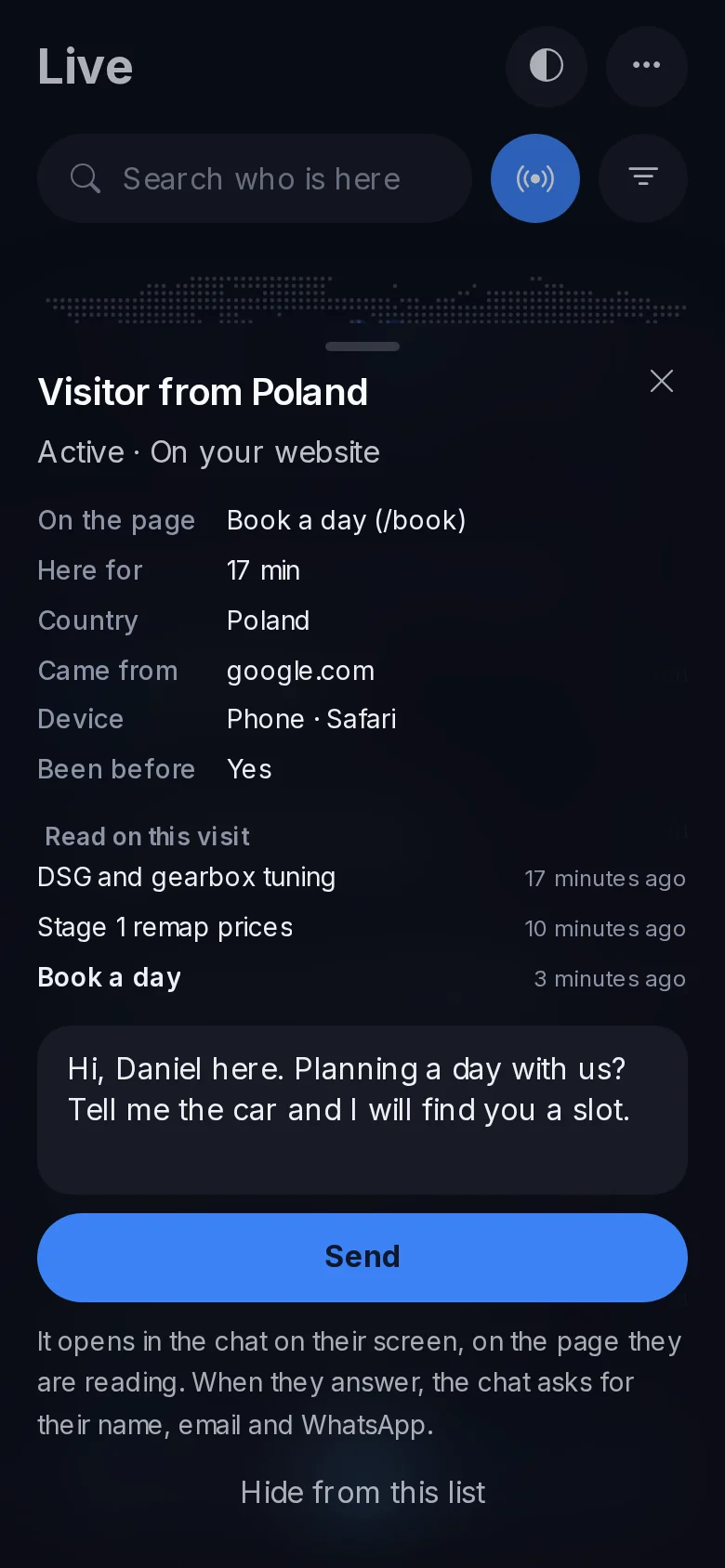
Yes, and this is the part shops tell us they use most. Tap a person on Live: you see what is known of them, the pages they read on this visit, and a box to write in.
- A visitor gets your message in the chat on the page they are reading, with your first name on it.
- When they answer, the chat asks for their name, their email and their WhatsApp number.
- Their answer and those details arrive in Messages, in the same conversation, and your phone is told.
A customer signed in to your portal gets your message in their own conversation with you, and is told.
Does it ring when I am not looking at it?
Yes. When a customer is waiting for a person, the phones of the people who can answer ring, and keep ringing until somebody takes it. The moment one person answers, it stops for everyone. You set the rule for the whole portal; each person has their own switch for ringing again and their own quiet hours, so the tuner on holiday sleeps. Me, in the bar, holds this phone's settings and a button that sends a test.
How do my team install it?
From your portal, on the phone, in two taps. On an iPhone: Share, then Add to Home Screen. On Android: the browser offers to install it. Each person signs in once, and Messages opens straight into their conversations from then on. Nothing to download from a store, nothing to update: the app is your portal, so it changes the day your portal does.
It works on a tablet too: the list and the conversation side by side.
Who can have it?
Every TunerEngine portal, for its whole team, on every package. Live and writing to visitors come with the chat on your website, which is part of the AI package. Your customers never see TunerEngine in the app: it carries your portal's name and your icon.
You can see the same conversations on a computer on the Messages page, the chat that brings visitors in on the website chat page, and every package on the price page.
Questions
Is it a real app, or a website?
It is your portal's Messages, installed on the home screen from the browser. It opens on its own, full screen, with your icon, and rings like an app. There is nothing to get from an app store.
Does it work on an iPhone?
Yes, on iPhones with iOS 16.4 or later, once it is added to the home screen. Android phones install it from the browser.
Can my tuners have it, or only me?
Your admins and tuners each install it on their own phone and see the conversations they can reach on the portal, each with their own ringing and quiet hours.
Do my customers see TunerEngine?
No. The app carries your portal's name and icon, and your customers only ever see your shop.
What does a visitor see when I write to them?
Your message in the chat on the page they are reading, with your first name. Nothing opens on their screen unless they agreed to your website's cookies.
Just need a file tuned? Our own engineers tune a read from any tool for €60 a file, every extra included. Our file service ›
Read next
-
 What changes when your portal has its own app and a chat on your website?Every TunerEngine portal gives your team its own phone app, a live chat on your website and portal, and an AI that answers visitors until a person takes over.
-
 How can a file service keep working at night?You cannot answer every file at night, but a portal can take the order, take the money, send repeat files and answer the easy questions while you sleep.
-
 How do you move a file service off WhatsApp?WhatsApp gets a file service started, then starts to cost it. How to move customers to a portal without losing any, and what to do about the ones who refuse.
Name your portal. It is ready in under a minute.
Pro: today you pay this month in full, or only the days left if the 1st is less than 10 days away; then €60 on every 1st.
- Your name and logo
- Files from any tool
- Updates done for you
- Moving from another provider: free until 31 December 2026
You can change your portal's address from your account at any time, or add another to the same portal, free. More are coming: tunerengine.co.uk, tunerengine.uk and tunerengine.info, then new short ones made for portals.